You signed in with another tab or window. Reload to refresh your session.You signed out in another tab or window. Reload to refresh your session.You switched accounts on another tab or window. Reload to refresh your session.Dismiss alert
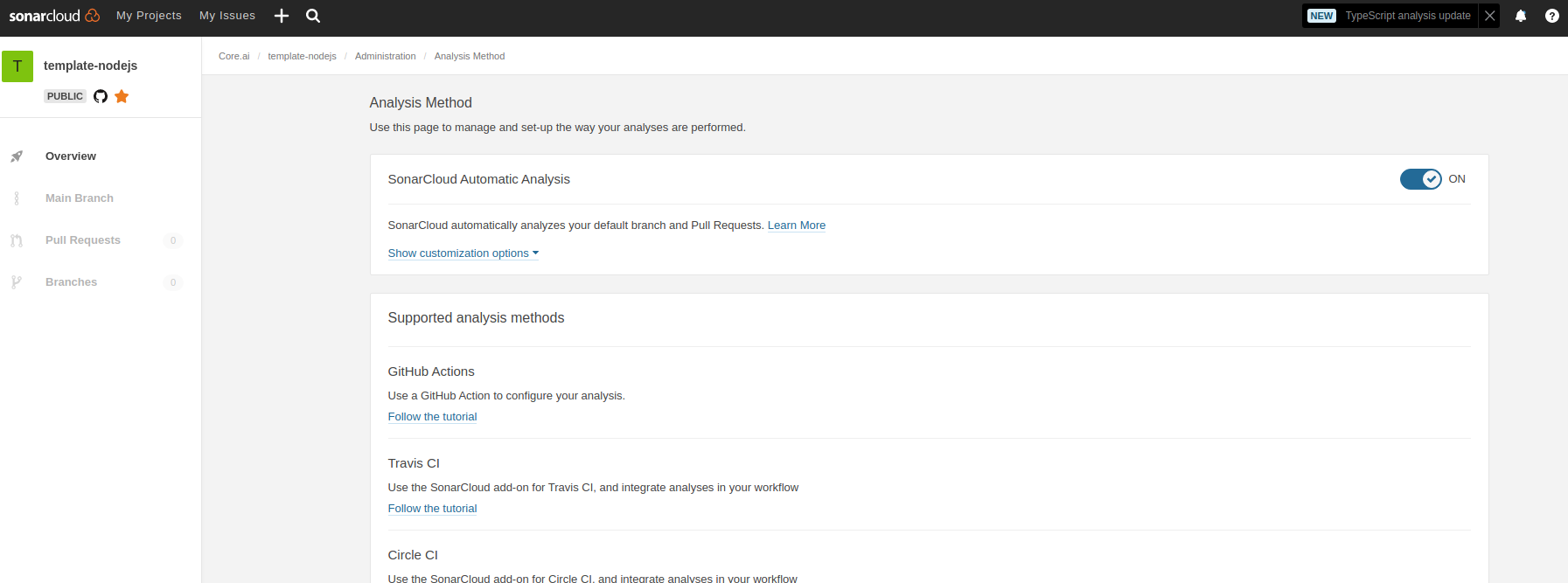
Contact an core.ai org administrator to enable sonar scan for this repo.
Verified that soncar scan code checks are available in your pull requests.
Get you sonar cloud ID for the repo. It will usually look like phcode-dev_tsIntelligence for phcode-dev repos.
Update readme.md with sonar badges by replacing all aicore_template-nodejs-ts with the id you got above. See this link for a sample pull request : update badges aicore/libcache#13
Update readme.md build verification badge by replacing this line [](https://github.com/aicore/template-nodejs/actions/workflows/build_verify.yml)
with [](https://github.com/phcode-dev/tsIntelligence/actions/workflows/build_verify.yml)
Enable Sonar Cloud Code Scan for this repo
Sonar cloud does code scanning for core.ai repos. Ensure that sonar cloud is enabled for this repo.
Usually available in this URL: https://sonarcloud.io/project/overview?id=phcode-dev_tsIntelligence
phcode-dev_tsIntelligencefor phcode-dev repos.readme.mdwith sonar badges by replacing allaicore_template-nodejs-tswith the id you got above. See this link for a sample pull request : update badges aicore/libcache#13readme.mdbuild verification badge by replacing this line[](https://github.com/aicore/template-nodejs/actions/workflows/build_verify.yml)with
[](https://github.com/phcode-dev/tsIntelligence/actions/workflows/build_verify.yml)